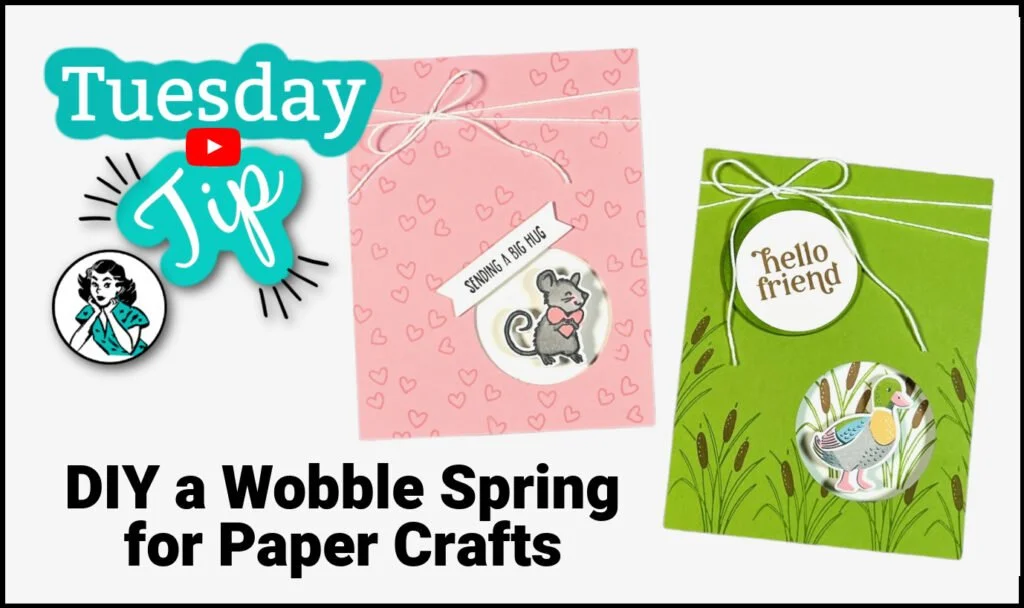
Have you bought wobble springs for your paper crafting needs? What if you learned a hack for making your own wobble springs? Let me show you...
I am giddy with excitement about today's project because it was SO easy and you are going to love the result! So... how do you make a wobble spring? I have 2 different techniques to show you.

Wobble Spring DIY Video Tutorial:
⭐️ Are you excited to try making your own wobble spring? What ideas are you dreaming up for your card design? Share your thoughts!
Q: How Do You Use a Wobble Spring?
A: Wobble springs add movement to a die-cut or punched image. Simply adhere a spring underneath your image, give it a flick with your finger, and voila - your images move!
Q: How Do You Attach Wobbles?
A: Most adhesives will work but you do want to make sure you are using a strong adhesive since the image will be moving around. Stampin' Seal, Stampin' Seal +, Multipurpose Glue, or Glue Dots will hold well.
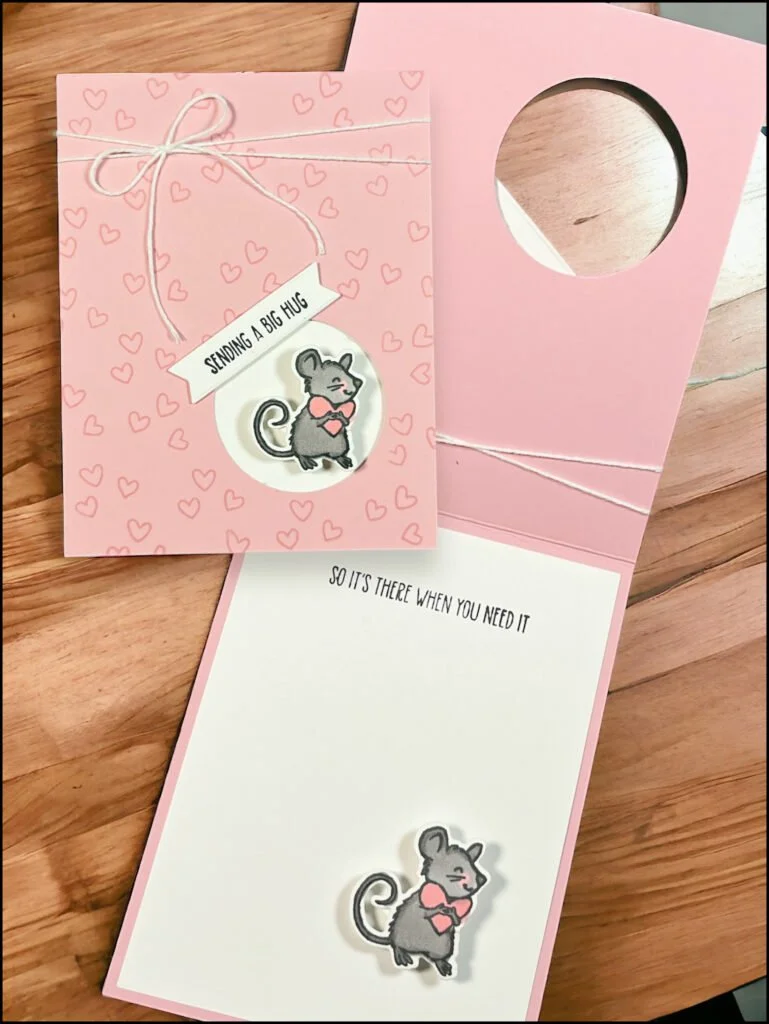
Hearts & Hugs Bundle - Stamp Set & Dies
Pretty in Pink: 4 ¼” x 11” - score at 5 ½”
Basic White: (2) ¼” x 4” cardstock
3” x 3 ½”
4” x 5 ¼”
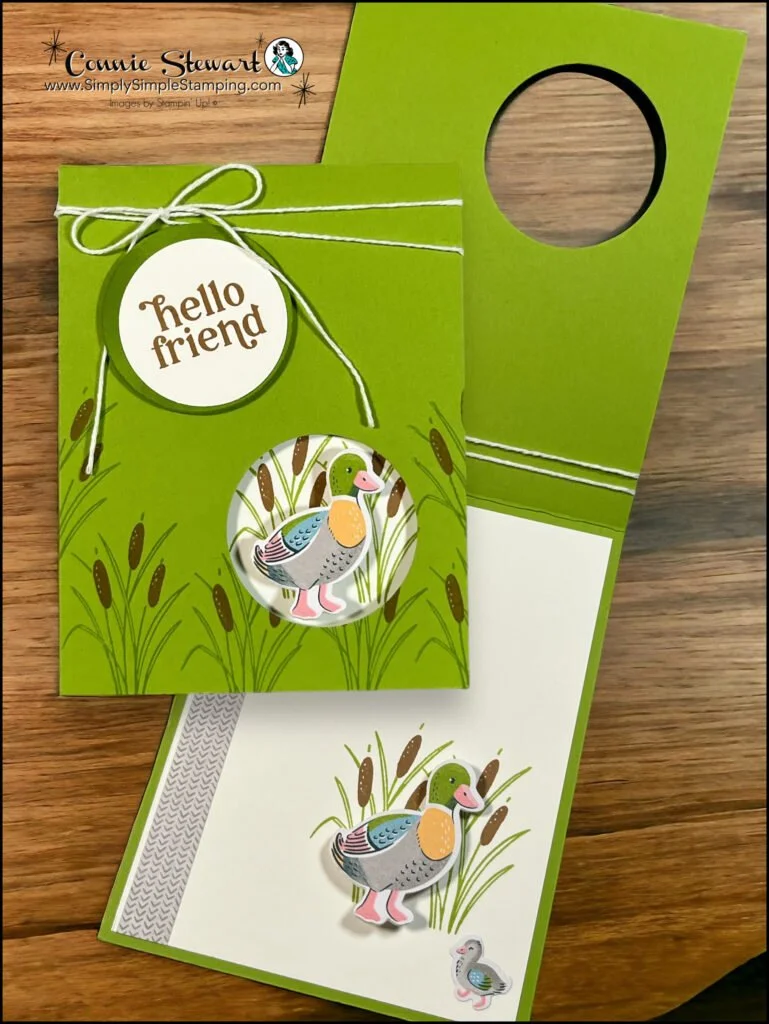
Charming Duck Pond- Stamp Set & Dies and Lily Pond Lane Designer Series Paper (DSP)
Granny Apple Green: 4 ¼” x 11” - score at 5 ½”
Basic White: 1” x 2”
2 ½” x 2 ½”
4” x 5 ¼”
DSP: Die cut duck and duckling
* Diagrams and written tutorials are available to YouTube Members - Learn more HERE
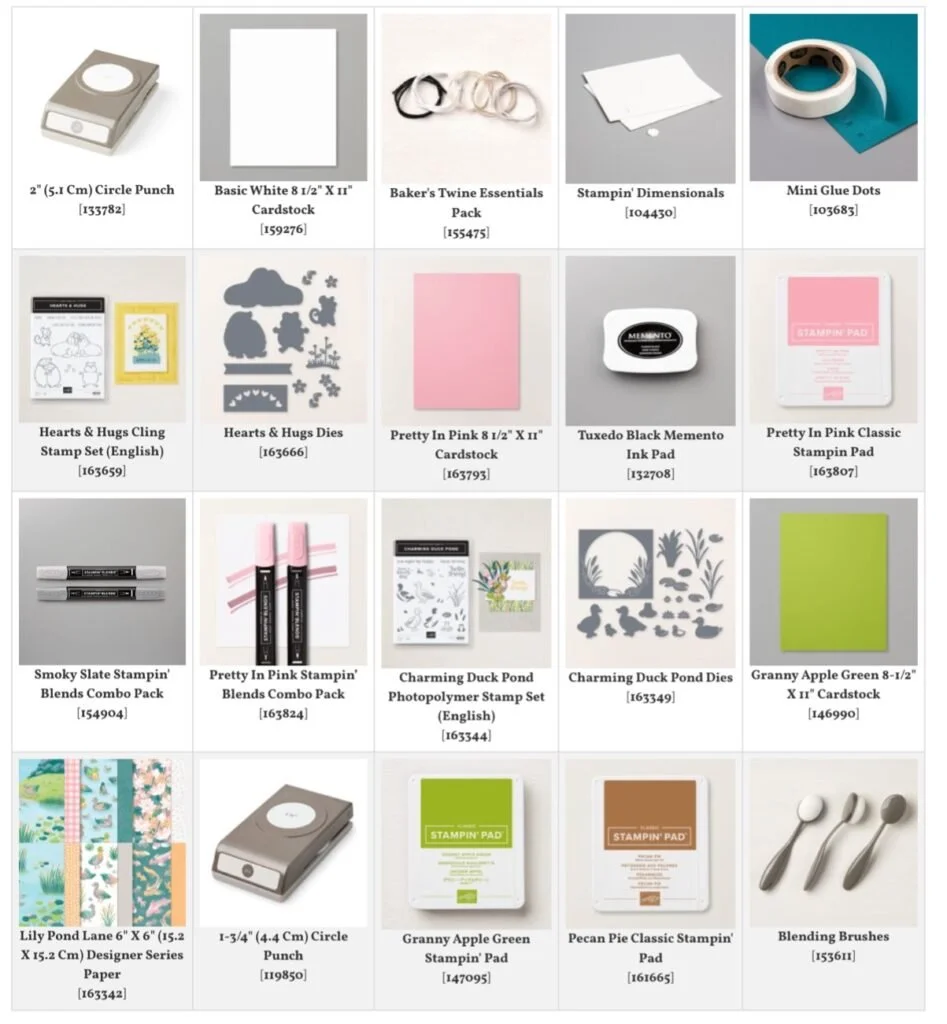
Stampin' Up! Product List for Today's Cards
Click on the picture to add to your cart
Thank you for choosing me to be your Stampin’ Up! Demonstrator!
WOW! Earn Stampin’ Rewards on orders over $20 (before tax/ship.
Spend them on your next Stampin' Up! order or save them up for a bigger purchase!
Pinterest-ing
Follow me on Pinterest and save this DIY Wobble Spring idea to your favorite craft boards!
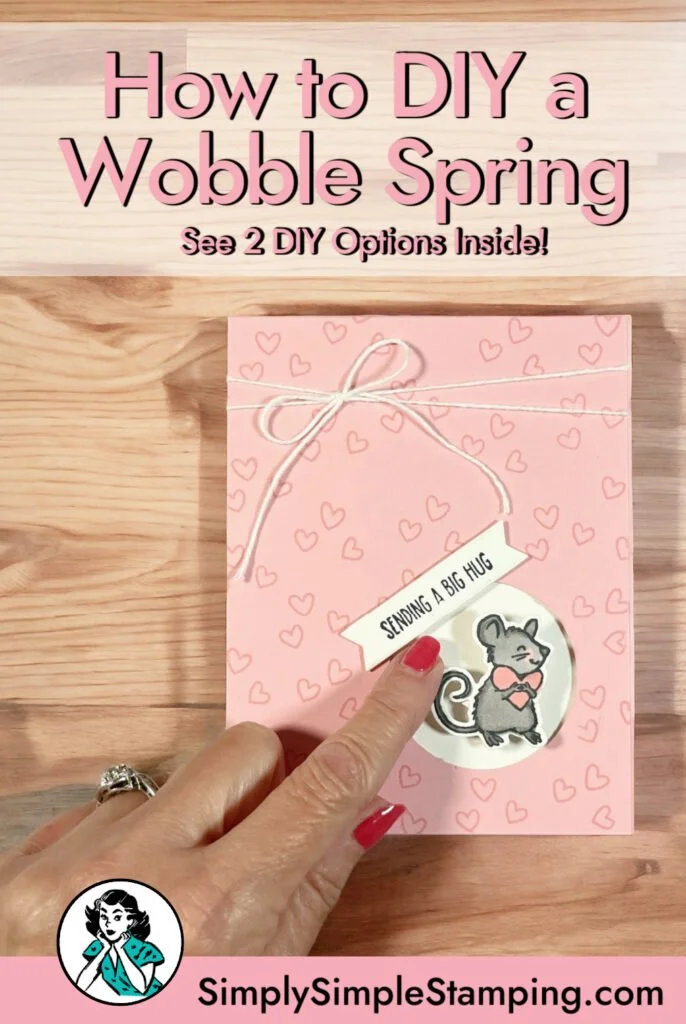

Aren't those little wobbles SO amazing? I am thrilled that I learned how to make my own. This little DIY hack is definitely one to remember!
Thanks for watching! I hope to see you on my YouTube Live on Thursday!
So what’s this new YouTube Membership thing all about?
It’s a fun, optional way to get even more crafting content, perks, and behind-the-scenes fun!